



iPad Mini (Mid 2013 onwards)
I purchased the iPad Mini as a work related device, as such I have mainly removed all personal apps, or put them into a not used folder, and obtained all the apps relevant to the company I work for and apps approved for the company. I also deploy test apps and do technology proof of concepts using this device.
I also use Good Notes, I have downloaded all the free notebook apps in the App store for the iPad, but this one I find is by far and away the best solution. I liked it so much I payed the cost of the full version. What makes it excellent is firstly you get to choose the template for each page, and it's got some cool covers, and all the appropriate page designs (lined, graphed, blank, music sheet!). It writes really beautifully in foutain pen mode, even when zoomed in. The zoomed feature works well, so you can lean on the bottom of the iPad's bevel, rather than screen, this allows you to write with great accuracy - it's just like having a pad of paper / notebook, and you can flip between drawing and writing very easily.
Of course you need a stylus as well to go with it, and I have tried out a few different stylus', which may be subject to another article in the future.
I really like the iPad Mini - I prefer it to the iPad in fact, the screen does almost look retina, and looks great, it's just the size is really convenient and it is really light. What I would love also is a large form factor iPad, that is A4 - A3 size for drawing - now that would be great. The rumours are that the iPad mini is going to be upgrade to a retina screen, so I may replace my iPad 2 with an iPad Mini 2 later in the year.
The iPad 2 (March 2011 onwards)
"I'm trying to get a iPad 2, I couldn't get it on the release date or release weekend sadly, and I put my order in on the 26th March and I'm still waiting its delivery, they say the 4th May, but I am hoping I can get it earlier than that. Here are selection of pictures of the amazing device:"
Eventually I got my device, the delivery still said quite late, and they had announced that delivery was accelerated, and ordering a fresh said it would deliver in the same time as my iPad. So I rang Apple and they were able to expedite my order, so I got it sooner which was really great. This is a good tip to ring Apple in these circumstances.
The iPad 2 is used for all my home based projects, and also for browsing the internet, reading email, listening to music, wathcing movies, reading books, etc. My favourite app was Notetaker HD, until recently, when I wanted something that looked altogether more pretty, and that was easier to use.
So the way I organise my iPad 2 is into folders called "Contact" (iMessage, Contacts, Facebook Messenger, Skype, Linked In, Google Hangouts, Facetime), "TV & Film", "Where?", "Consume", "Create", "Music", "System", "Shopping", "Books", "Comics" and "Analytics". My favourite TV and Film apps are BBC iPlayer, xmbcRemote, TV Guide, IMDb, and My Movies. My favourite "Where" apps are Google Maps and Apple Maps. My favourtie consume apps are; BBC News, Pulse News, StumbleUpon, Twitter, CNET, QuoraWeb, Facebook, DropBox and Google Drive.
My favourite apps are teh Create apps which are Good Notes, Things, Evernote, Pages, Numbers, Keynote, Awesome Note, Notes, BlogPress, Note Taker HD, Adobe Ideas and SketchBookPro. I use the iPad 2 as an electronic notebook, to write my notes, read my email, and review and add to Things tasks. I have a disciplined approach to working on projects, keeping my notes and files in Good Notes and Evernote, and keeping track of tasks in Things. And I use email to generate tasks and communicate as part of tasks, and I keep a set folder structure for all the projects consistent across all the different apps / platforms.
Landscape vs Portrait
I was a strong support of using the iPad in landscope mode, but since I've got the iPad Mini and making use of Good Notes, I've been treating it as an electronic notebook, and that works best in portrait mode. And it turns out browsing the web is more fun in portrait mode because you see more of the site. So for now I've got all my iPad's locked into portrait mode.
The iPad 1 and My iPad 1 (Nov 2010 - April??? 2011)
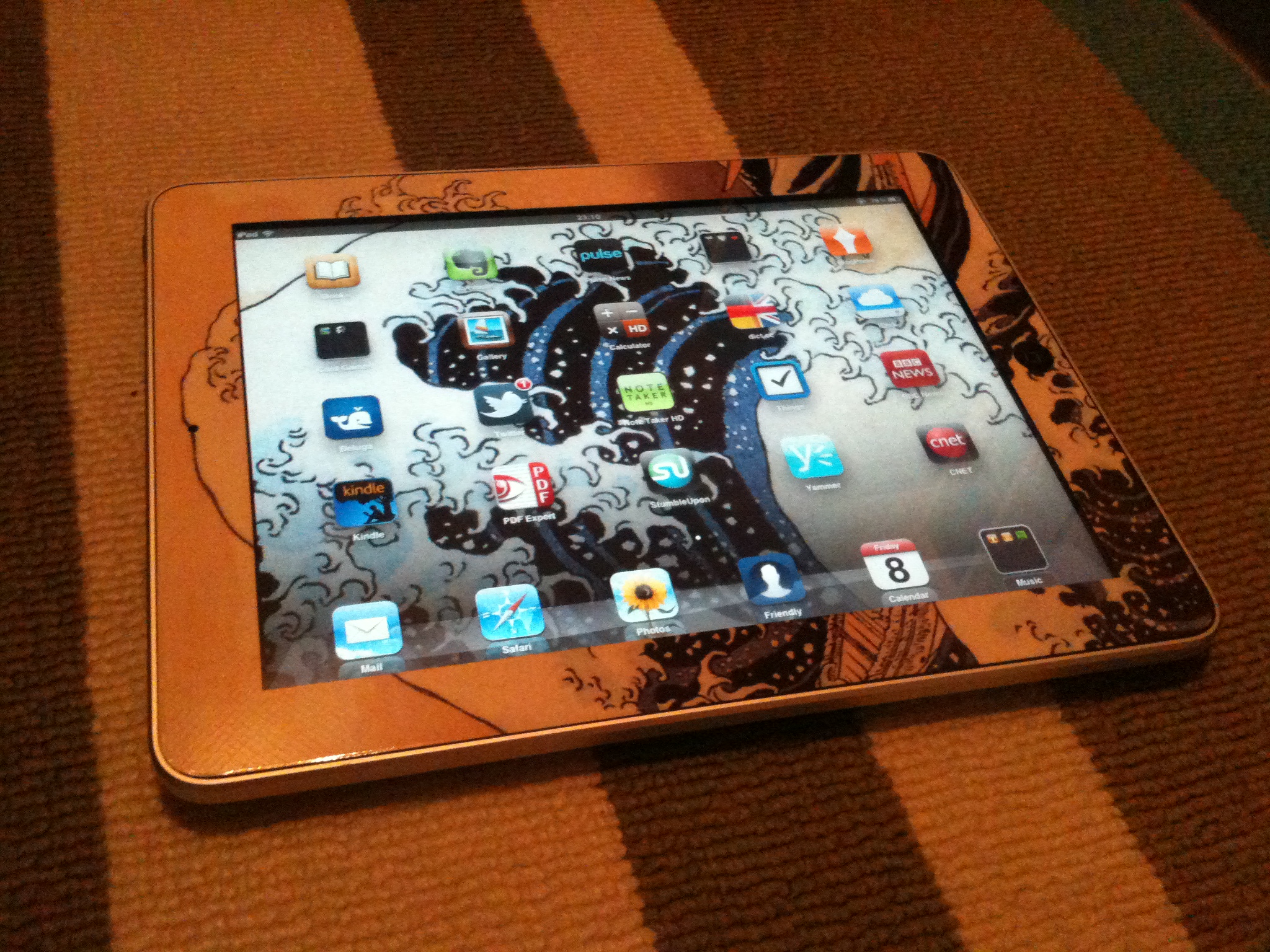
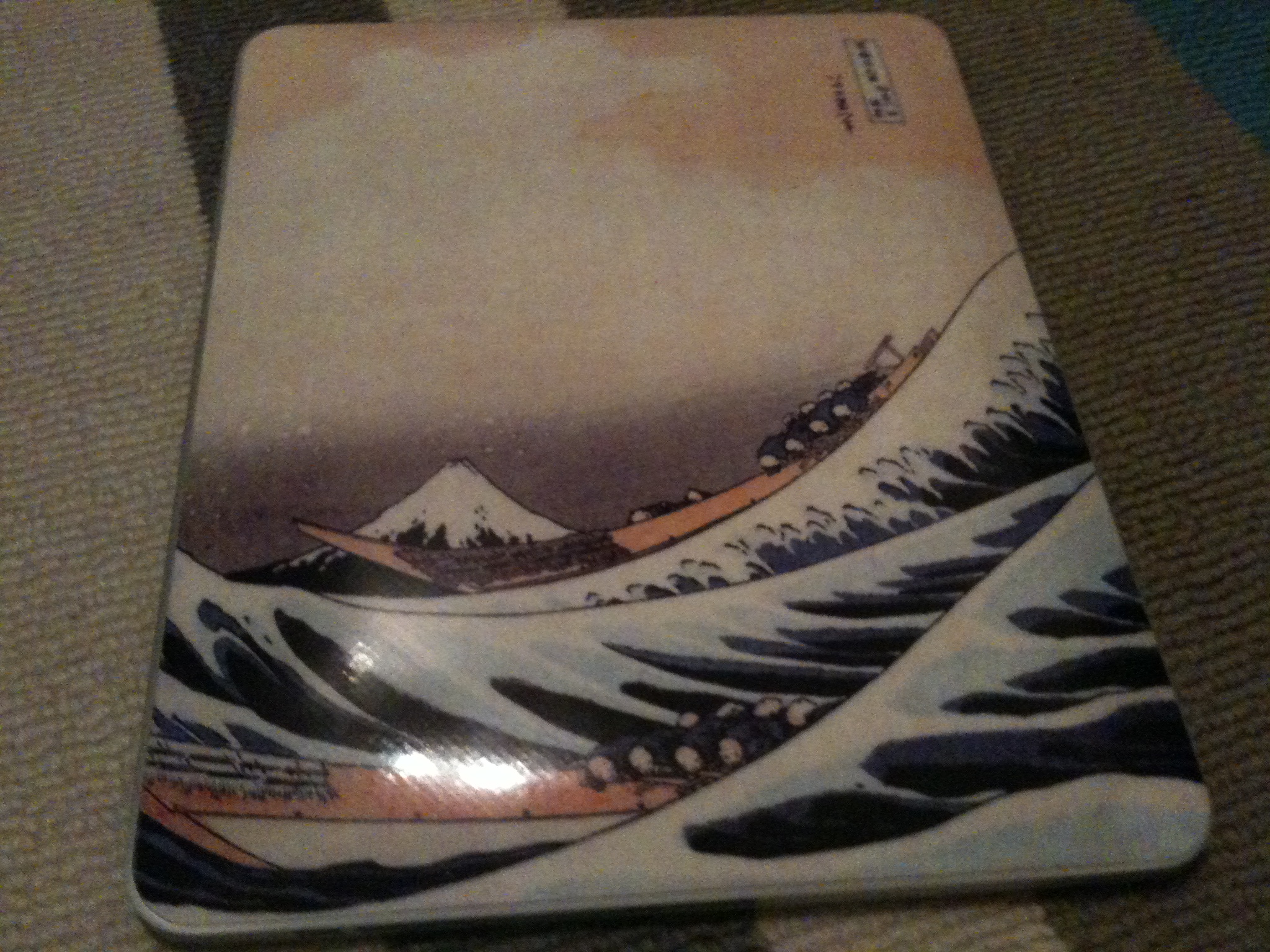
The two pictures above are of my iPad 1. It is a fantastic device. Some of the highlights include the instant on-ness of the thing, the ease of use, the speed, and the amazing battery life. It is basically a device that is always with me, and is always useful. It has replaced a lot of things I used my iPhone and Macbook Pro for, and makes a lot of things simply easier and more fun to do.
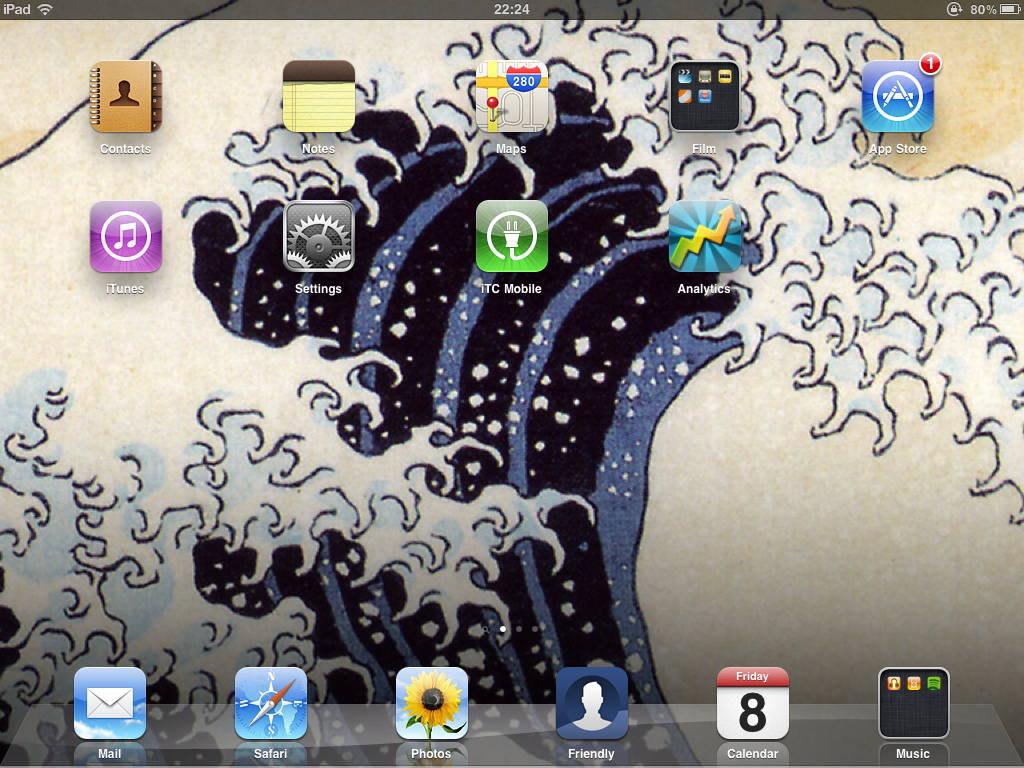
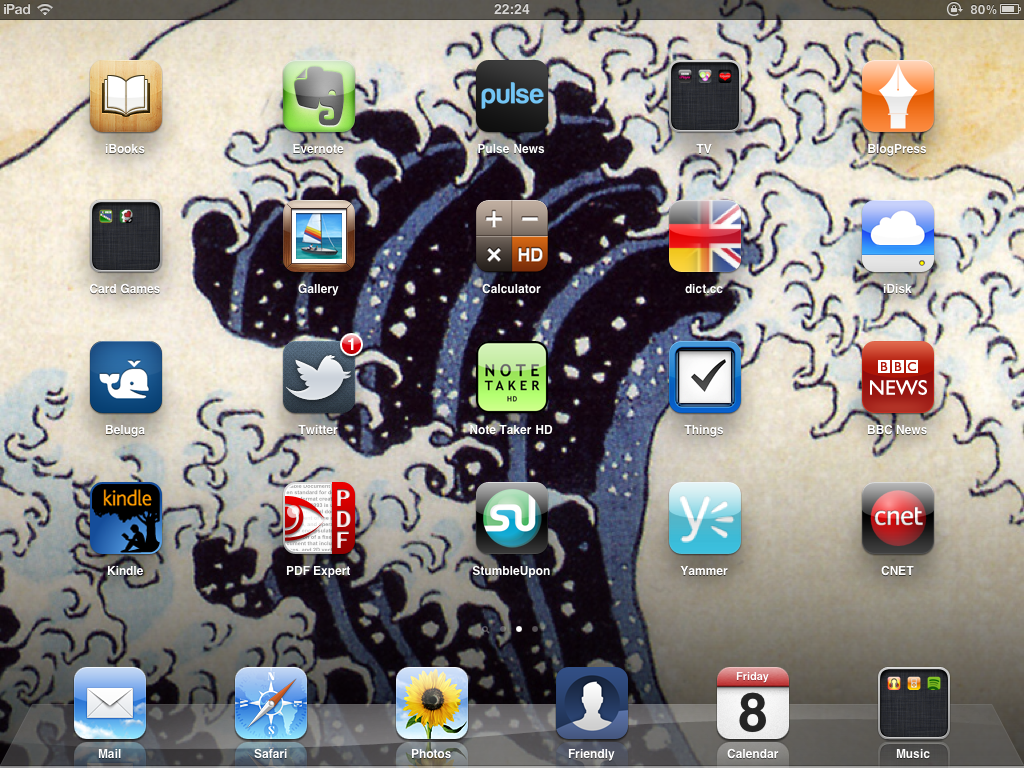
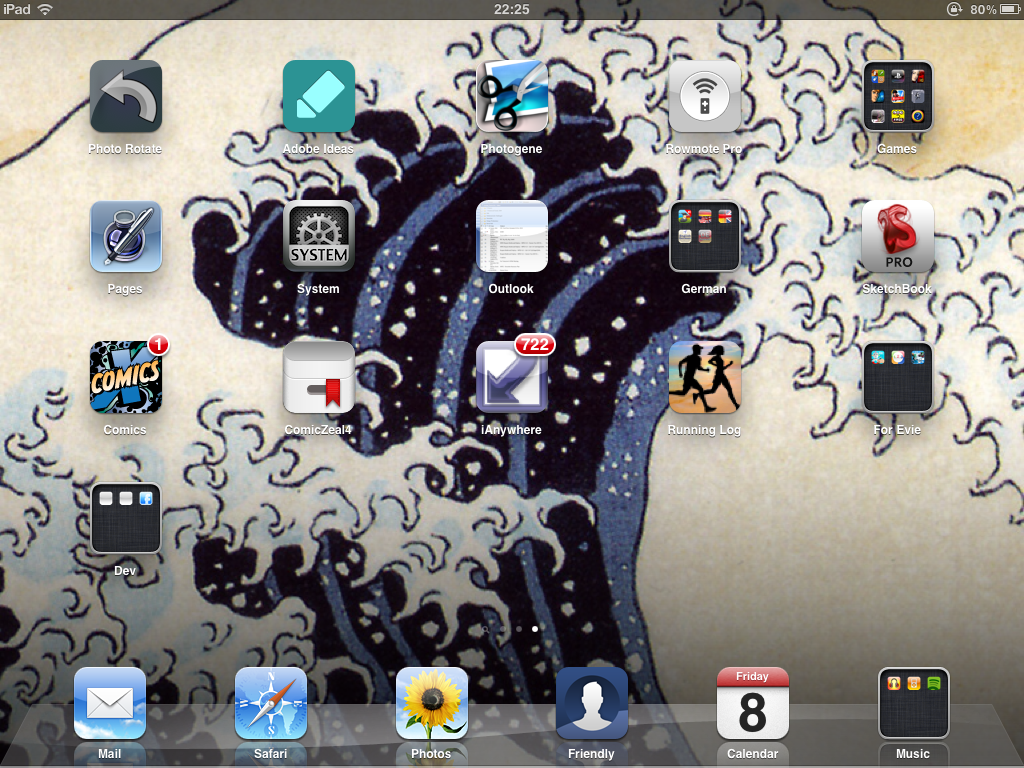
Above are my 3 homescreens for the iPad. Highlight apps are Note Taker HD, Evernote, and my music apps (iPod, Spotify Premium and Radiobox). It is both awesome as a device at home, and at work.
The iPad 2 Gelaskins covers
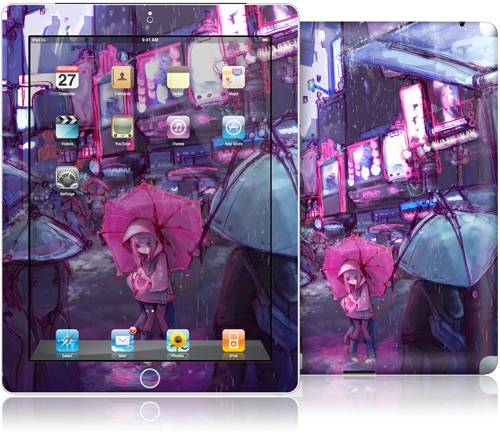
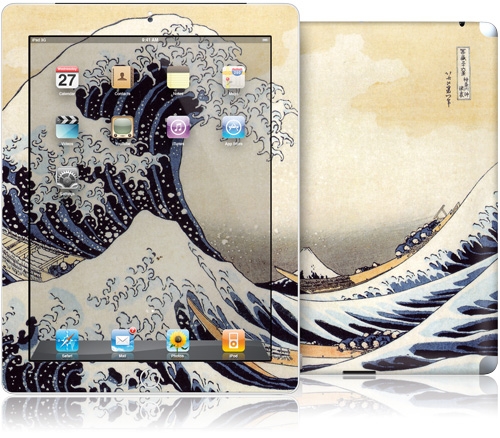
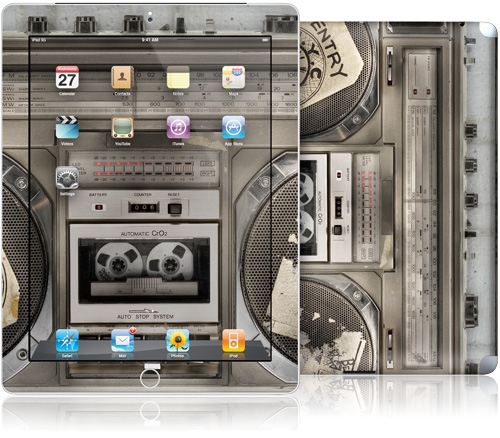
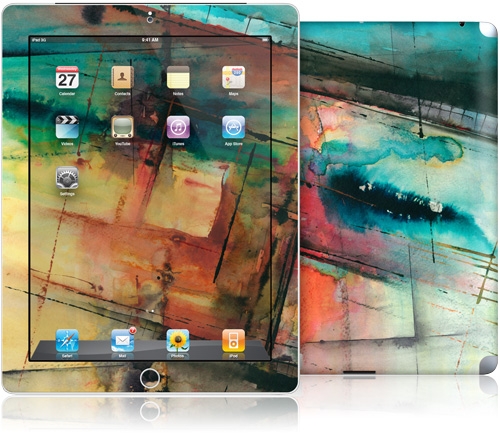
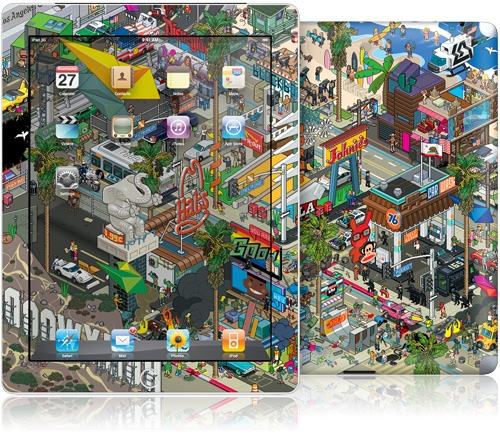
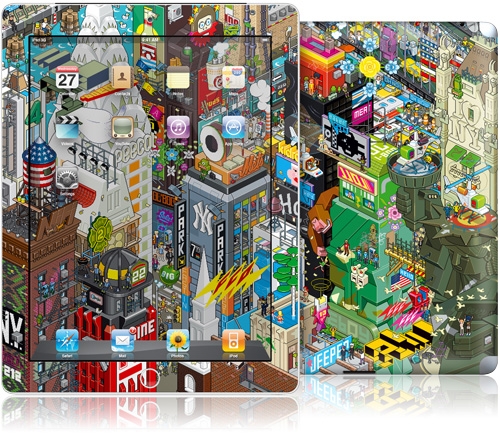
By far the best covers you can get for the iPad are the Gelaskins covers (www.gelaskins.com) - in my opinon. They are a thin sticker which is easily stuck to the device, and can be easily removed without leaving a residual. I recommend decorating the back (and protecting the metal) with a gelaksins cover, and protecting the front with ta smart cover.
For the iPad 2 I've gone for the Boombox, seen below
iPad 3 rumours rumours from 2011
There are many rumours of the iPad 3, the biggest one being the Autumn release date, but basically I can't wait for that. My desire to have the cameras in the device, faster speed, lighter & thinner hardware all mean I'm getting one now. I am hopeful that the iPad 3 will have an even longer battery life, a higher resolution display, and anti glare so it can be viewed in direct sunlight (e.g. when reading on holiday).
Smart bezel - ipad 3?
http://www.gadgetsandgizmos.org/apple-iphone-5-could-support-smart-bezel-patent/
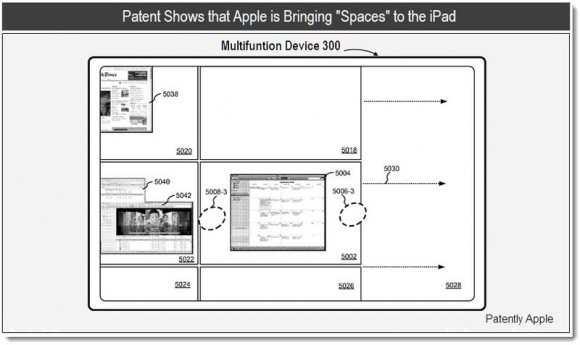
Spaces for tablet?
http://www.thumbthug.com/2011/04/02/ipad-3-will-get-spaces-for-ipad-maybe-iphone-5-too/
ipad 3 rumours at crave.cnet.co.uk - higher resolution and Autumn release?; http://crave.cnet.co.uk/laptops/ipad-3-rumours-already-hotting-up-even-before-ipad-2-is-a-real-thing-50002605/
ipad 3 for Autumn rumours killed?
http://www.appleinsider.com/articles/11/03/02/apple_kills_fall_ipad_3_rumors_by_calling_2011_year_of_ipad_2.html
Rumour Mill – Apple iPad 3 to get USB 3.0 and Thunderbolt?
http://www.stuff.tv/news/computers-and-consoles/rumour-mill/rumour-mill-–-apple-ipad-3-to-get-usb-30-and-thunderbolt